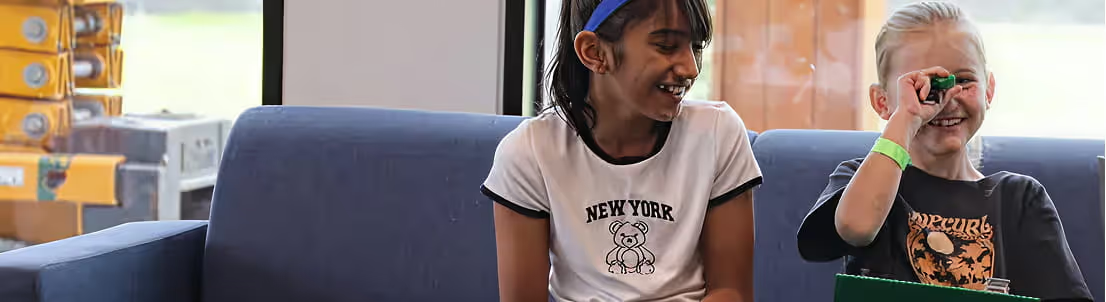
Two children sitting on a blue couch, smiling and playing with a small green object and holding a clipboard.

Free Coding for Kids

Download a free Scratch coding starter kit with a beginner-friendly video tutorial, step-by-step guide and fun activity your child can try at home.

Curious whether your child would enjoy coding? You could find out this afternoon, for nothing.

Our Free Coding Starter Kit gives you everything you need to run a first coding activity at home: a beginner-friendly Scratch video tutorial, a step-by-step guide and a simple project your child can finish in about half an hour. No experience needed, from them or from you.
Sign up below and we will send it straight over.
Get Your Free Coding Starter Kit
Add your details and the starter kit is yours. It takes less than a minute.

Free Coding for Kids at Home

The starter kit is designed to make that first go at coding easy for everyone involved.
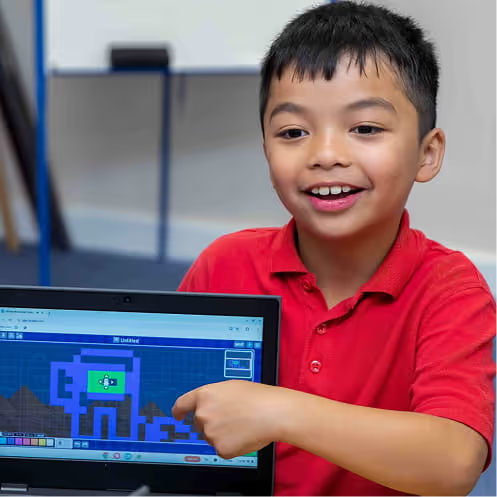
Children work through a short, guided Scratch activity and pick up the basic ideas behind coding as they build something of their own. It is all laid out step by step, so you do not need to know any coding yourself to help.
All you need is a PC or device with internet access, and around 30 minutes.

What’s Included in the Free Coding Starter Kit?

Sign up and the kit lands in your inbox.
Inside you will find a beginner-friendly Scratch coding video tutorial, a downloadable step-by-step guide, tips to help your child get to grips with the basics, and a simple activity they can complete at home.
All of it is put together by ComputerXplorers instructors who teach this every week, so it is pitched at children rather than at adults who already know how to code.

What Children Learn in the Scratch Coding Activity

It is one short project, but children come away having done a surprising amount.
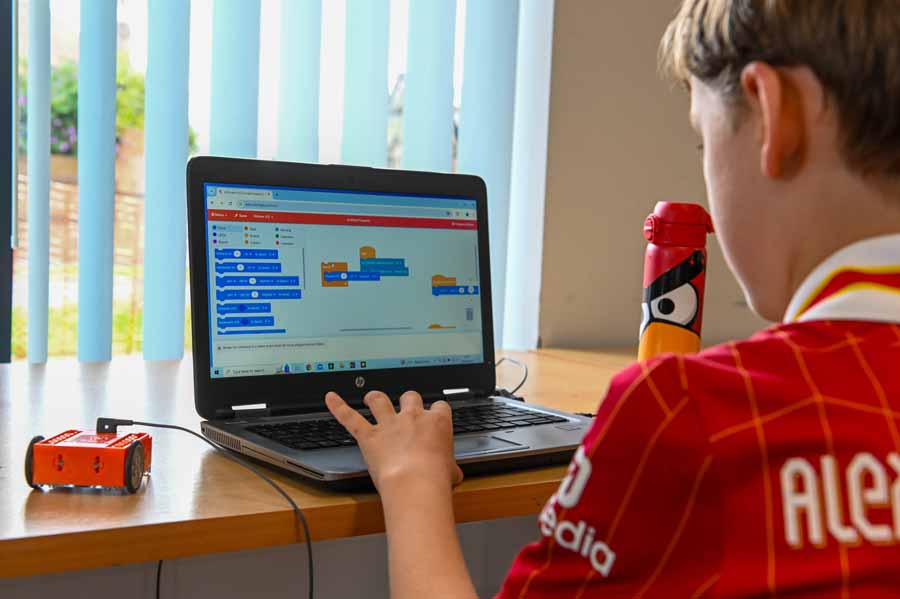
They get anintroduction to coding and find their way around the Scratch interface. They choose and customise their own characters, make those characters talk, and use broadcast messages to get them responding to each other. They change backdrops, add sound effects, and plan and create a simple story from beginning to end.
By the end they have made something they can play, show you and be quietly pleased about.

Who Is the Free Coding Starter Kit For?

The kit is built for parents who want to try something with their child at home, and for children who are completely new to coding.
No coding experience is needed on either side. The activity is designed for children who are ready to follow simple step-by-step instructions, with an adult on hand where needed. It is also useful for teachers looking for a straightforward Scratch activity idea.

Why Start with Scratch Coding?

Scratch is where most children start, and for good reason.
Instead of typing code, children drag and drop colourful blocks that snap together, so they can see what their instructions do straight away. That makes it a natural fit for storytelling and creativity. Children build interactive projects, characters and scenes while picking up real programming ideas like sequencing and logic, without ever feeling like they are being taught them.
It is coding that looks like play, which is exactly why it works.

Ready to Join the ComputerXplorers Academy?

If the starter kit goes down well, there is plenty more where that came from.
Take a look at our coding classes for kids to see what a full session involves, or explore the ComputerXplorers Academy if your child would enjoy something regular every week. You can browse the full range on our all activities page, or head straight to booka class to find what is running near you.

Frequently Asked Questions

What can my child do after completing the starter kit?
What is Scratch coding for kids?
Do I need any special software?
What will my child learn?
What is included in the starter kit?
Does my child need coding experience?
What age is the free coding starter kit suitable for?
Is the coding starter kit free?